
Flight Time Marked TBC? Separate Scheduled and Actual Times
Flight number found but no reliable time? Check the original roster, route, local dates and airline schedule before changing a TBC flight card.
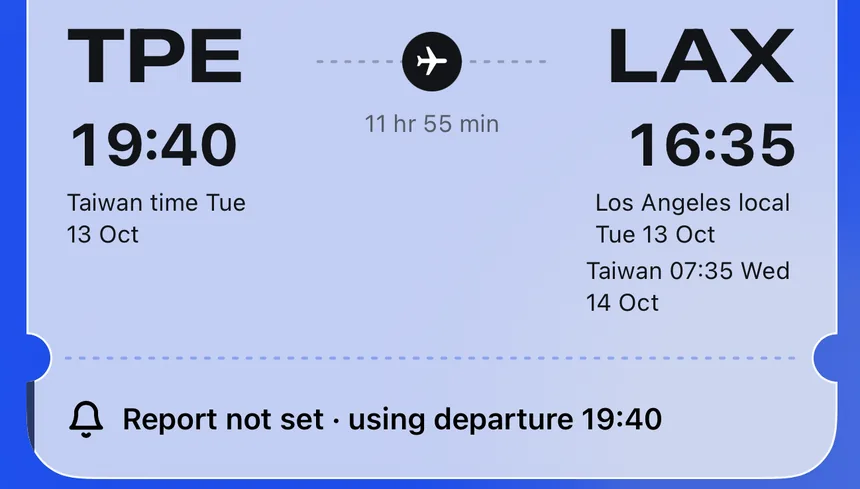
A calendar can recognise a flight day while its flight card still says the time is TBC. That does not necessarily mean the roster was lost. A flight number, duty date and scheduled time are separate pieces of information. If a leg has no time that can be checked, leaving it as TBC is safer than filling in a guess.
First, check whether the original roster includes times
Some rosters show only flight numbers and routes. Others print scheduled departure and arrival times, sometimes on another page. Check which kind you have. If the source screenshot has no time, recognising the flight number does not mean AI can read a time from that image.
Feiban can use available built-in scheduled data, times printed on the roster or a flight-number lookup. If no matching time is available, the date is unclear or the data is outside its applicable period, the leg needs a further check. Do not copy the time of the same flight number from a previous day: schedules change.
Check in this order: date, route, local time
- Confirm the duty date and flight number against the original roster, then check the origin and destination.
- Compare the published scheduled departure and arrival dates. An overnight flight may have a different date at each end.
- Find out whether each time is in the origin’s, destination’s or base’s time zone. Do not mix two zones in one field.
- If the information is still insufficient, leave the leg as TBC until a time you can verify becomes available.
Correct the time manually once the schedule is known
The person who built the roster can correct that flight leg using the company’s published schedule. Check the date and time zone as well as the clock time, particularly for a journey across month-end or the International Date Line. After entering it, reopen the card and check its source label and dates, so an old date is not left behind.
Scheduled does not mean departed or landed
A scheduled time is planned in advance; the actual departure or arrival can differ. Before setting off to meet someone, a family member should check the airline or airport’s flight information and allow for travel time.
How layover time zones workSee how origin local time, destination local time and base time relate.Flight time and roster FAQsFor unclear times or roster-reading questions, start with Feiban’s official explanations.